
Smart Cash: A Money-Transfer Shop System Built for the Counter
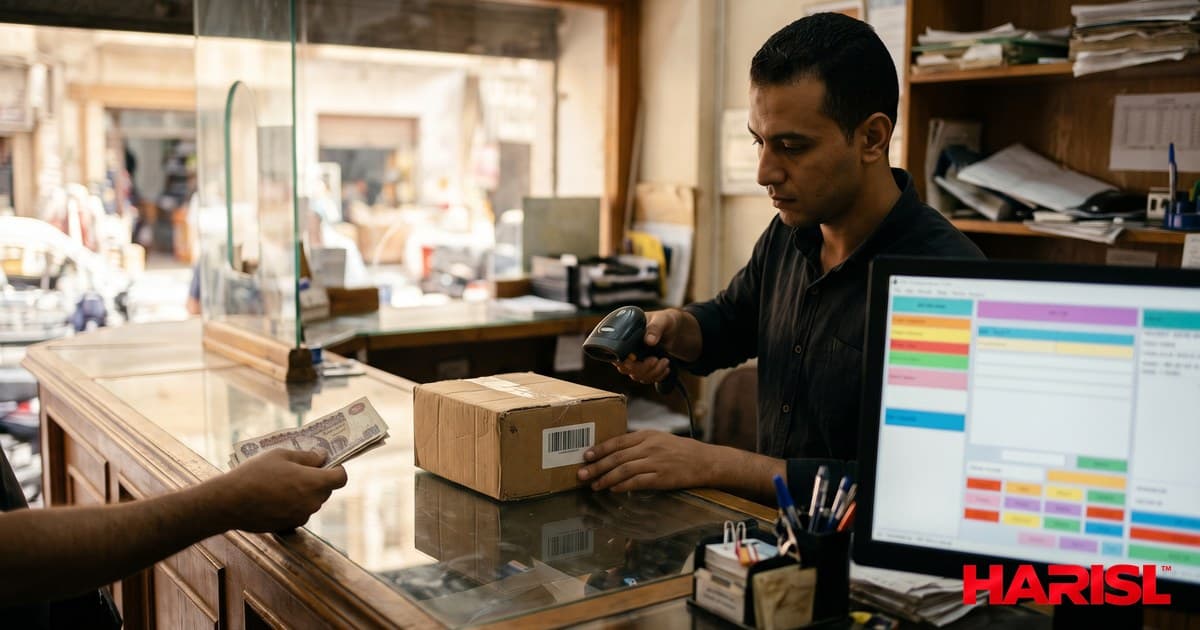
<p class="mb-5">A money-transfer shop is a business where there is no room for a mistake. The customer stands at the counter with cash in his hand. The amount has to be right, the recipient has to be right, and the receipt has to prove it — all in a minute or two, because there is a queue behind him. The system that runs that counter has to be as fast as the work and as careful as the money.</p> <p class="mb-5">Smart Cash is that system. It runs money-transfer shops from the counter: taking the transfer, printing a receipt the customer can read, tracking who did what, and keeping the shop's software updated without a technician visit. It lives at <a href="https://smartcasheg.com" class="font-semibold text-primary underline decoration-primary/40 underline-offset-4 transition hover:decoration-primary hover:text-primary/80">smartcasheg.com</a>. This article explains what it does and why each part is built the way it is.</p> <h2 class="text-2xl sm:text-3xl font-black mt-10 mb-4">The counter is the whole business</h2> <p class="mb-5">Software for a shop is usually designed in an office. Smart Cash was designed for a counter, and the difference shows in the details. The screens are built for a cashier who is looking at a customer, not at a manual. The steps follow the order of the real work: take the details, confirm the amount, take the cash, give the receipt. Nothing on the screen asks the cashier to think about the software. The software thinks about the work.</p> <p class="mb-5">That matters because a transfer shop does not have an IT department. If the system is confusing, the cashier works around it — with a notebook, with memory, with shortcuts that create exactly the mistakes the system was supposed to prevent. A system that fits the counter gets used. A system that fights the counter gets bypassed.</p> <h2 class="text-2xl sm:text-3xl font-black mt-10 mb-4">Receipts the customer can actually read</h2> <p class="mb-5">The receipt is the shop's promise in the customer's hand. If it is wrong, unclear, or missing a detail, the customer comes back — angry, and right to be. Smart Cash produces receipts as PNG images, not as documents that depend on a printer's fonts or a PDF reader behaving. An image prints the same on every printer, with the Arabic text, the numbers, and the shop's branding exactly as designed.</p> <p class="mb-5">That choice came from real failures. Receipts rendered as documents can lose Arabic letters, shift numbers, or print differently on different machines — and a receipt with a wrong digit is worse than no receipt at all. An image is a picture of the receipt: what you see is what the customer gets, on any printer, every time.</p> <p class="mb-5">The receipt carries what the customer needs: the amount, the recipient, the date and time, and the shop's identity. Nothing more, nothing less. A customer who can read his receipt does not need to call the shop to ask what he paid for.</p> <h2 class="text-2xl sm:text-3xl font-black mt-10 mb-4">Barcode scanning that reads the first time</h2> <p class="mb-5">Shops that handle products as well as transfers need to scan barcodes — and a scanner that fails on the third try is not a scanner, it is a delay. Smart Cash's scanner is built to read small, dense, or slightly angled barcodes from a phone camera, the way they actually appear on a counter: a product held at an angle, in poor light, by a cashier in a hurry.</p> <p class="mb-5">The technical detail is simple to state and hard to get right: the decoder runs in its hardest mode, trying more angles and more interpretations instead of giving up after the first fast pass. It is slower per frame and far more reliable per scan — the right trade for a shop, where one failed scan costs more time than a hundred slow ones.</p> <h2 class="text-2xl sm:text-3xl font-black mt-10 mb-4">Roles: who can do what</h2> <p class="mb-5">A shop is not one person. There is the owner, the cashier, and sometimes an administrator — and they should not all be able to do everything. Smart Cash separates roles: the shop owner runs the shop, the cashier works the counter, and the administrator manages the system. Money movement and sensitive settings stay with the people who are responsible for them.</p> <p class="mb-5"><mark class="rounded-sm bg-amber-300 px-1 font-semibold text-slate-900">In a cash business, permissions are not bureaucracy. They are the answer to the question "who did this?" — and a system that cannot answer it is a liability.</mark></p> <p class="mb-5">Clear roles also make training possible. A new cashier learns the counter, not the whole system. He cannot accidentally change a setting he does not understand, and the owner does not have to stand behind him all day. The shop runs the same way whether the owner is present or not — which is the point of having a system at all.</p> <h2 class="text-2xl sm:text-3xl font-black mt-10 mb-4">Updates without the technician</h2> <p class="mb-5">Software that never updates becomes a problem. Software that updates by a technician visit becomes an expense. Smart Cash has its own update server: new versions are published there, and the shop updates from it directly. No one has to visit, no one has to copy files, and every shop runs the same version.</p> <p class="mb-5">That matters more than it sounds. When every shop is on the same version, a fix reaches everyone at once, and a problem in one shop can be reproduced and fixed for all of them. When shops drift across versions, every support call starts with the question "which version are you on?" — and half the call is wasted before the real problem is even discussed.</p> <h2 class="text-2xl sm:text-3xl font-black mt-10 mb-4">End of day: closing the shop</h2> <p class="mb-5">The counter closes, but the work is not finished until the day is reconciled. The owner needs to know what came in, what went out, and what is still pending — without counting cash by hand and reconstructing the day from memory. Because Smart Cash records every transaction as it happens, the day's totals are already there: the transfers completed, the cash received, and anything that needs a second look.</p> <ul class="list-disc ps-6 mb-5 space-y-2"><li><strong>Transfers completed today</strong> — every transfer, with its amount and recipient.</li><li><strong>Cash received</strong> — what the drawer should hold, against what it actually holds.</li><li><strong>Pending transfers</strong> — anything started but not finished, so nothing is forgotten overnight.</li><li><strong>Corrections</strong> — any fix made during the day, recorded with who made it and why.</li></ul> <p class="mb-5">A clean close does two things. It tells the owner the day's result in minutes instead of an hour of counting. And it means tomorrow starts from the truth, not from yesterday's guess. In a cash business, that is not a report — it is the difference between knowing where the money is and hoping.</p> <h2 class="text-2xl sm:text-3xl font-black mt-10 mb-4">Who it is for</h2> <p class="mb-5">Smart Cash fits the money-transfer shop that has outgrown notebooks and memory: the shop where the queue is real, the amounts are real, and a mistake costs real money. It fits the owner who wants to know what happened in his shop today without being there all day, and the cashier who wants a screen that keeps up with the counter instead of slowing it down.</p> <p class="mb-5">It does not try to be everything. It is not a general shop system and not an accounting suite. It is a system for the counter of a money-transfer shop, built around the receipt, the scan, and the roles that make the counter work. That focus is the reason it works: every feature answers a moment that actually happens at the counter.</p> <p class="mb-5">If you run a transfer shop and your counter still depends on memory and notebooks, the question is the same one every cash business eventually faces: how long can the business depend on one person's attention? You can see Smart Cash at <a href="https://smartcasheg.com" class="font-semibold text-primary underline decoration-primary/40 underline-offset-4 transition hover:decoration-primary hover:text-primary/80">smartcasheg.com</a>, and read about the systems Harisl builds for shops and small businesses on our <a href="https://harisl.com/services/software-solutions" class="font-semibold text-primary underline decoration-primary/40 underline-offset-4 transition hover:decoration-primary hover:text-primary/80">software solutions</a> page.</p>